Mass by Section
Grouping by section geometry and mass per linear meter
What it solves
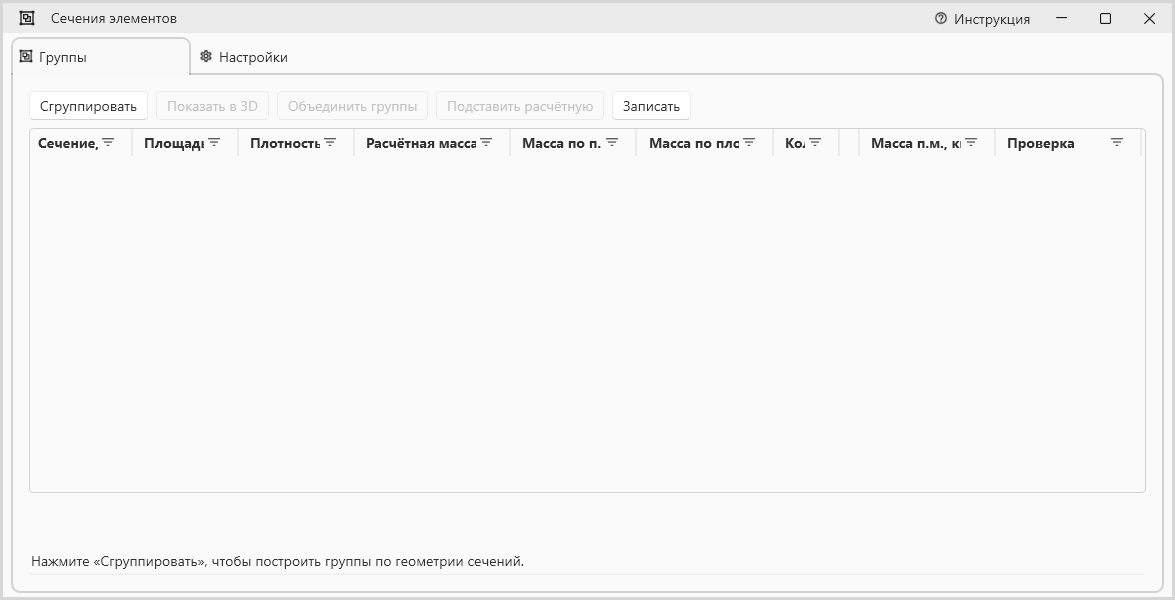
Groups elements by section geometry, calculates area and mass per linear meter and writes the value to the type parameter, deduplicated by size.
How it is used
- Grouping by section with millimetre precision
- Mass from steel density
- Writes to the type without duplicates
Getting started
- Download and install BimContour — every plugin comes with one installer.
- Open Revit and the BimContour tab on the ribbon.
- Run the plugin: the “Guide” button in the window opens step-by-step help.
Compatibility
Autodesk Revit 2022–2027; Windows 10/11.
Plugin results are for reference: verify them before using them in project documentation and keep backups of your model.
Reviews and rating
No reviews yet. Be the first — your review will appear after moderation.
Sign in to leave a review.
More plugins in this category
- Classifier Codes — classifier codes for model elements — with preview and ai suggestions
- Specifications by Code — specifications by classifier code and categories from a table
- Placeholder Code 999 — code 999 for elements invisible in 3d