Walls by Faces
Build walls from element faces
What it solves
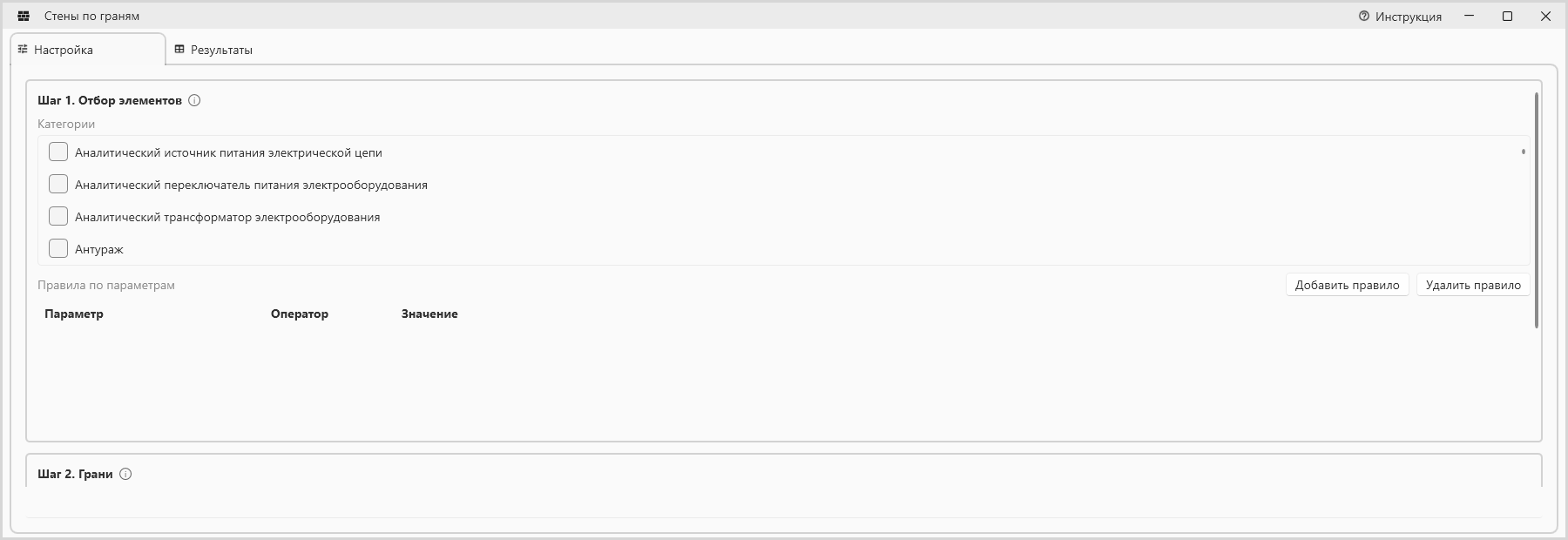
Selects elements with a filter and builds real walls from faces: by normal direction or building side, with face-to-element matching and a result report.
How it is used
- Faces by normal or building side
- Joins coplanar faces
- Report on created walls
Getting started
- Download and install BimContour — every plugin comes with one installer.
- Open Revit and the BimContour tab on the ribbon.
- Run the plugin: the “Guide” button in the window opens step-by-step help.
Compatibility
Autodesk Revit 2022–2027; Windows 10/11.
Plugin results are for reference: verify them before using them in project documentation and keep backups of your model.
Reviews and rating
No reviews yet. Be the first — your review will appear after moderation.
Sign in to leave a review.