Parameters by Filter
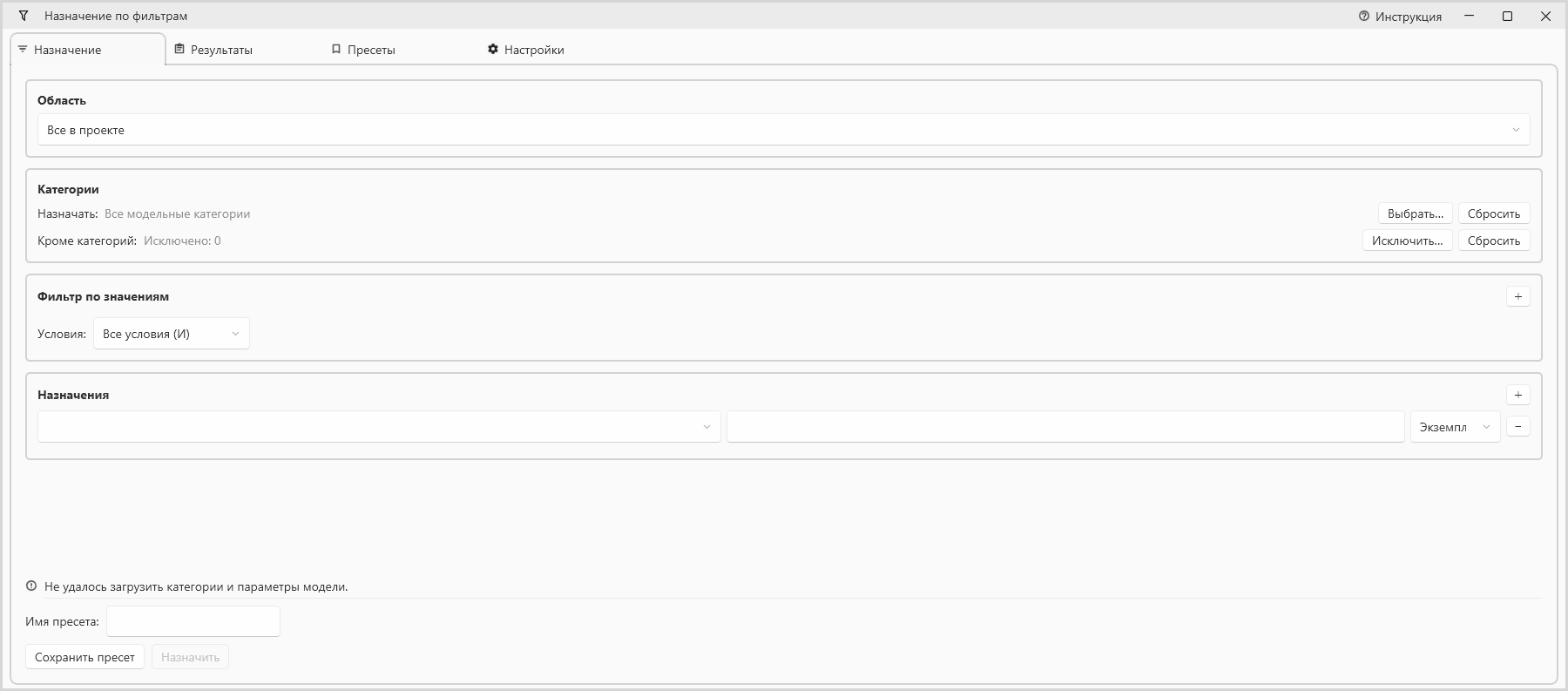
Bulk parameter filling by filter
What it solves
Selects elements by category and parameter rules and writes constants to instance or type parameters. Configuration is stored in the document and presets.
How it is used
- Rules by parameters and pseudo-parameters
- AND/OR logic and tolerances
- Presets and configuration restore on open
Getting started
- Download and install BimContour — every plugin comes with one installer.
- Open Revit and the BimContour tab on the ribbon.
- Run the plugin: the “Guide” button in the window opens step-by-step help.
Compatibility
Autodesk Revit 2022–2027; Windows 10/11.
Plugin results are for reference: verify them before using them in project documentation and keep backups of your model.
Reviews and rating
No reviews yet. Be the first — your review will appear after moderation.
Sign in to leave a review.
More plugins in this category
- Level Parameter — level parameter filling plus batch plans and 3d views
- Section Parameter — sections by mass forms and element parameters
- Room Purpose — room purpose for doors and hatches by rules
- Parameter Transfer — transfers parameter values, including nested elements